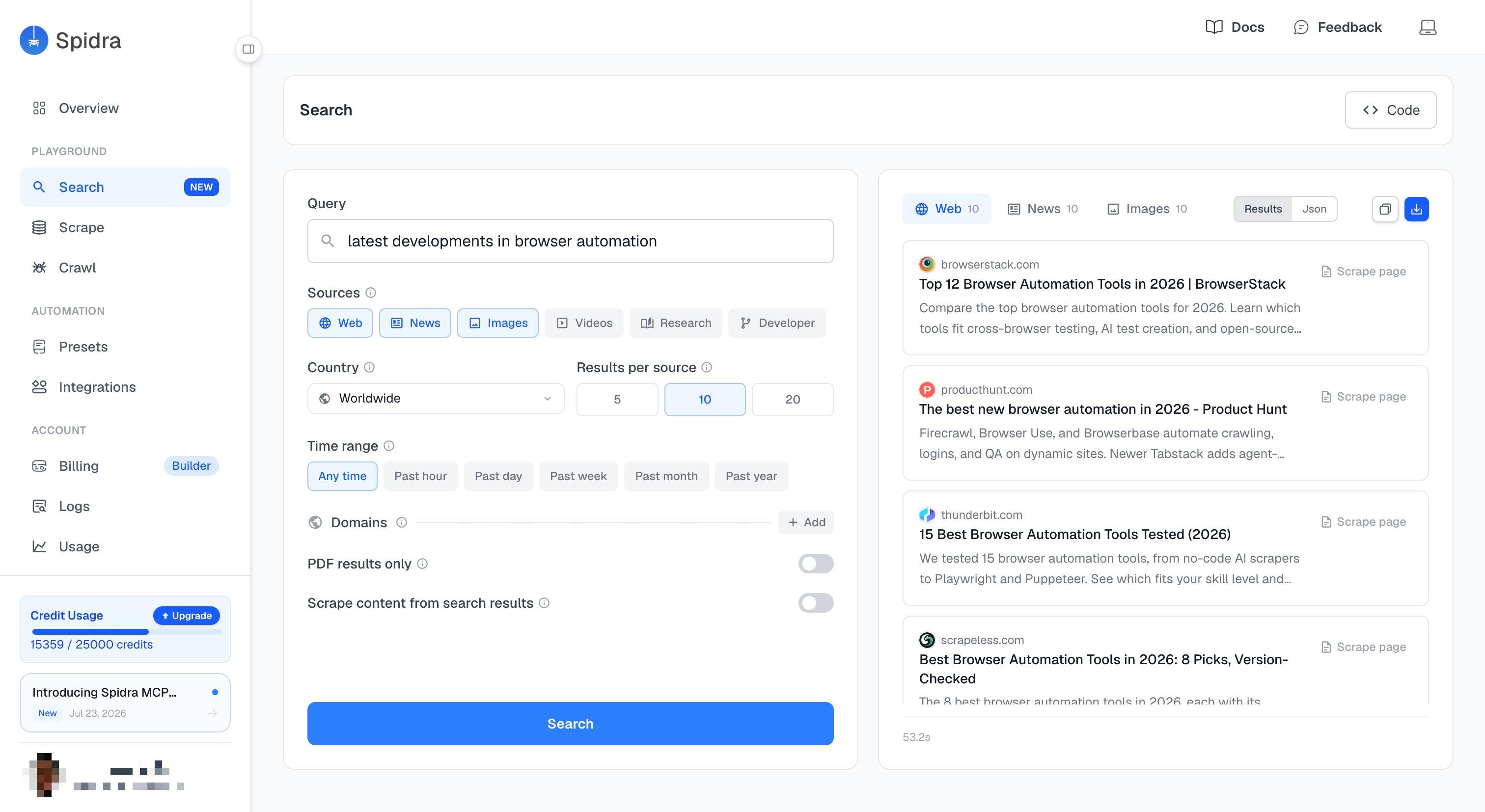
Search when you don't have a URL yet
Scrape needs a page. Crawl needs a site. Search is for the times before either of those, when you know what you're looking for but not where it lives. Give it a query, and Spidra returns the pages, articles, images, or papers that answer it.
Search more than the web
Use one source, or several in the same search.
Web
General web results, ranked and returned as-is.
News
Recent news coverage from across the web.
Images
Image results with thumbnails and source pages.
Videos
Video results with source-specific metadata.
Research
Academic papers, straight from arXiv and Europe PMC.
Developer
GitHub issues and pull requests, straight from GitHub's own search.
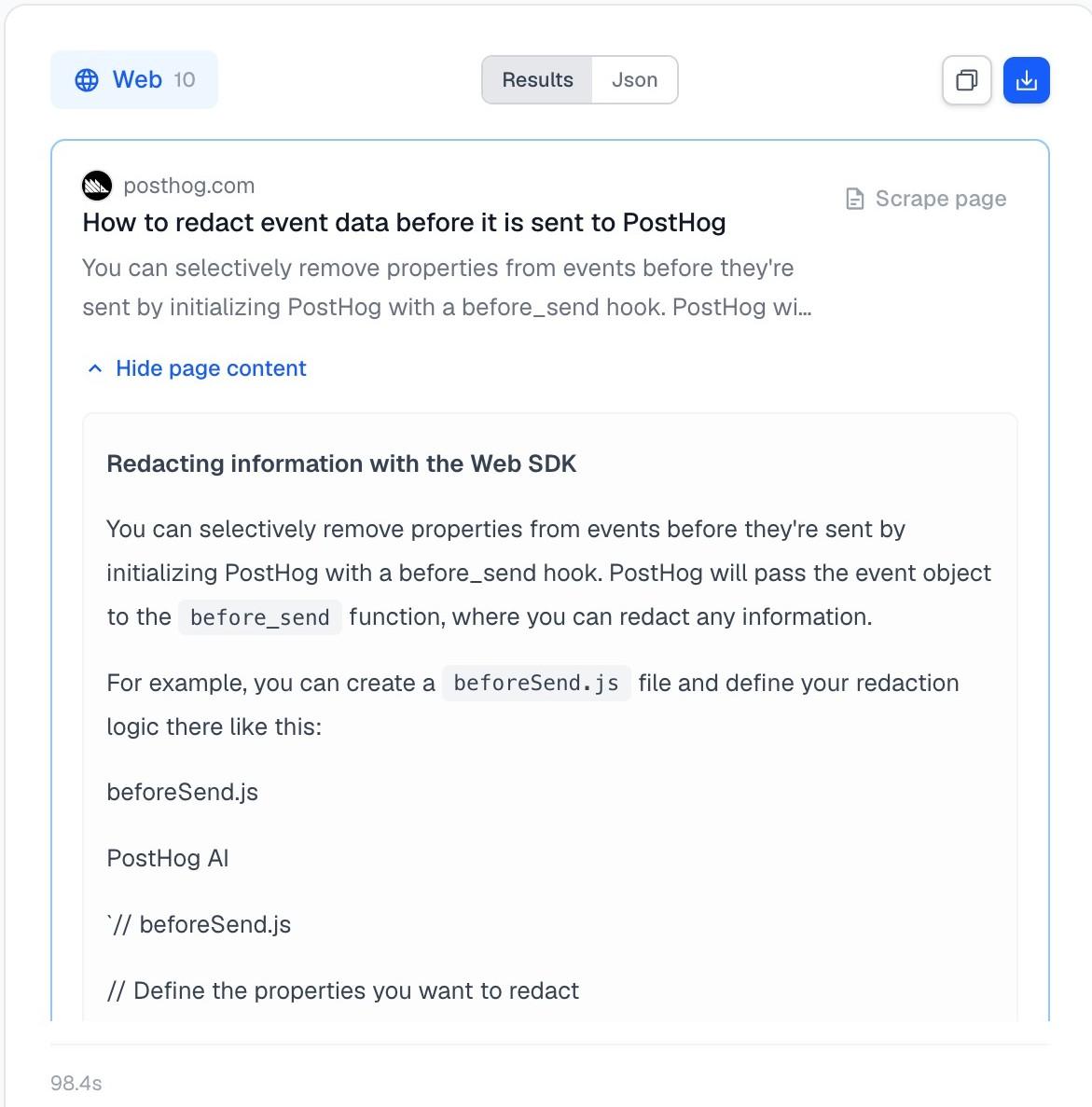
Get the pages too
Sometimes the search result is enough. Sometimes you actually need what's on the page. Turn on content fetching and Spidra opens the top results and returns their content as clean markdown, in the same request.
That means you don't need to search, collect the URLs, then build a second workflow to scrape each one. One call does both.
+1 credit per page actually fetched, on top of the search cost. No AI involved, which keeps it cheaper than a standalone scrape call.
Control the search
The same filters work across every source.
Country
Localize results and route the request through that region's proxy exit.
Time range
Limit to the past hour, day, week, month, or year.
Domains
Include or exclude specific domains from web results.
PDF only
Restrict web results to PDF files.
Results per source
Up to 20 results per source, per request.
Pagination
Page through more results using a continuation token from the previous response.
Use it wherever you work
From the dashboard, your own code, or an agent.
Search, Scrape, or Crawl?
They all work together in Spidra.
Search
You don't have a URL yet and want to know what results exist for a query, optionally with each result's page content already fetched.
Scrape
You have one or a few known URLs and want AI extraction, a schema, or formats beyond plain markdown.
Crawl
You have a starting URL and want Spidra to discover and process many pages from that site.
Search feeds into real workflows
What people build with it.
How Search is billed
1 credit per 10 results, per source. 1,000 results costs 100 credits, whether you fetch them 10 or 20 at a time.
| Plan | Price | Credits | 1,000-result searches |
|---|---|---|---|
| Free | $0 | 300 | 3 |
| Starter | $19/mo | 5,000 | 50 |
| BuilderPopular | $79/mo | 25,000 | 250 |
| Pro | $249/mo | 125,000 | 1,250 |
FAQs
Common questions about Spidra Search.
