We've expanded Presets so you can save the web-data tasks you use regularly and run them again without rebuilding the request each time.
Presets now work with Templates, Search, Scrape, Batch Scrape, Crawl, Map, and Parse.
Save a workflow once, run it again
For example, you might use Map to find pages about authentication in a documentation website.
Instead of entering the website, search terms, and other settings every time, save the request as a preset. The next time you need those URLs, you can rerun the saved configuration.
You can also save a template with its inputs, such as a Google Maps business search for a particular location.
Each preset has a name and retains the relevant configuration so you can find and reuse it later.
Change inputs without changing the preset
Sometimes you need the same task with slightly different inputs, such as a saved business search in a different location, or a saved Map request with another search term.
From the API, pass overrides when you run a preset: the changed inputs apply to that run only, and the preset stays as it is. In the dashboard, choose Open in template from a preset's menu, change the inputs, and run.
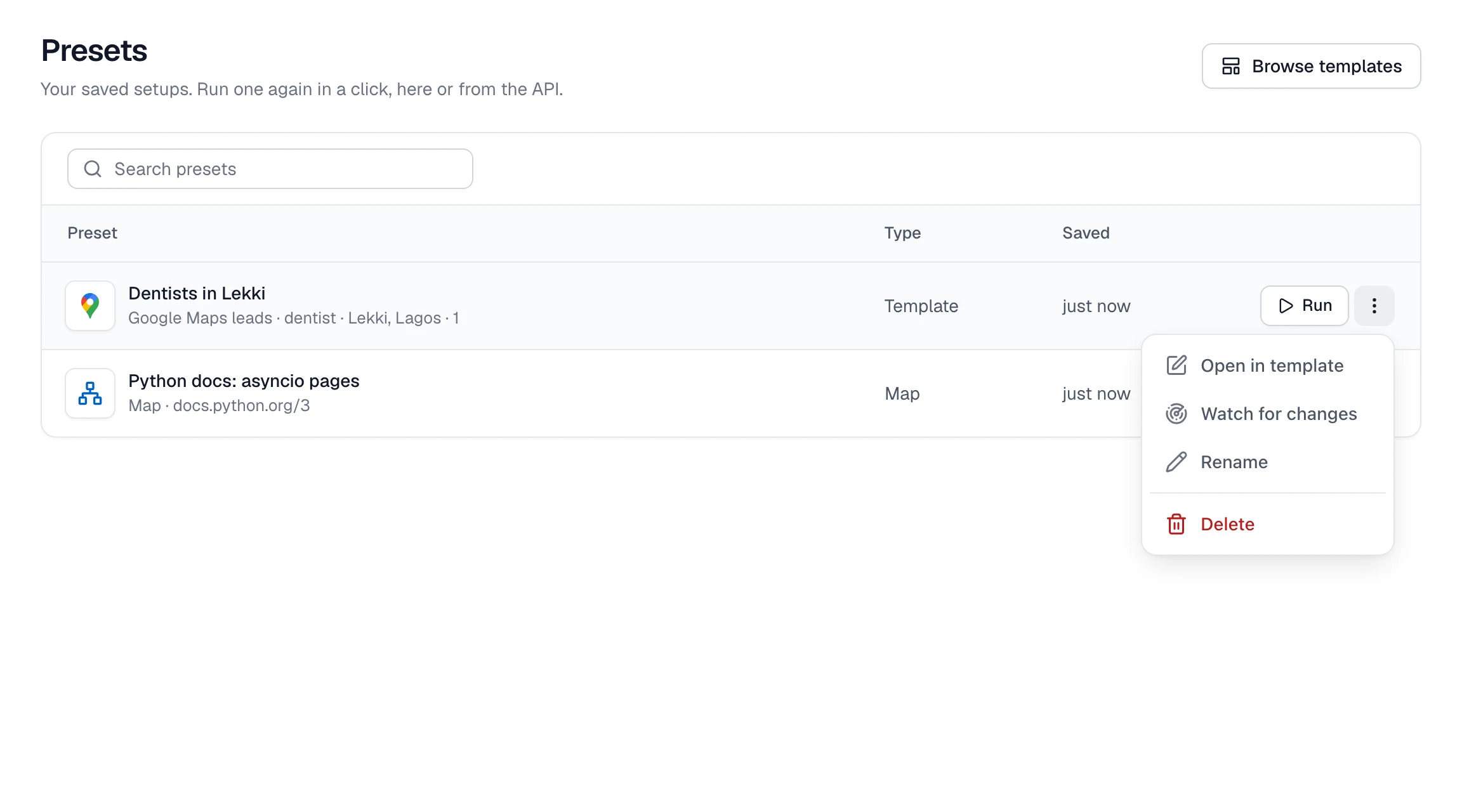
You can create, update, run, and delete presets from the dashboard, the API, and the Node.js SDK. Presets are also supported through Spidra MCP.
Saved presets can be used as sources for Monitors when you want to check their results on a schedule.
Read the Presets documentation or open your Presets.