Spidra now supports Parse, a dedicated way to extract content and structured data from documents.
Upload a file, provide a document URL, or reuse a previously uploaded document to get its contents as Markdown. You can also describe the fields you need and receive structured JSON.
Parse supports PDFs, Word documents, spreadsheets, presentations, and other common document formats.
Extract the content you need
Parse reads a document's text and preserves it in Markdown, with optional per-page output. For scanned pages, it can use AI to read the content that isn't available as selectable text.
You can also provide a prompt and JSON schema to extract specific information.
For example, a research workflow can parse a paper and return its title and authors. An invoice-processing application can request fields such as invoice number, date, vendor, and total amount.
Parse supports:
- Page selection: Process specific PDF pages instead of the entire document.
- Structured extraction: Return requested fields using a JSON schema.
- Batch processing: Submit up to 50 documents in one batch.
- Cost estimates: Check the estimated credits before processing.
- Reusable uploads: Parse different pages or fields from the same stored file without uploading it again.
Standard uploads support files up to 50 MB, while prepared uploads support files up to 500 MB. Stored files remain available for reuse for 24 hours and can be deleted earlier.
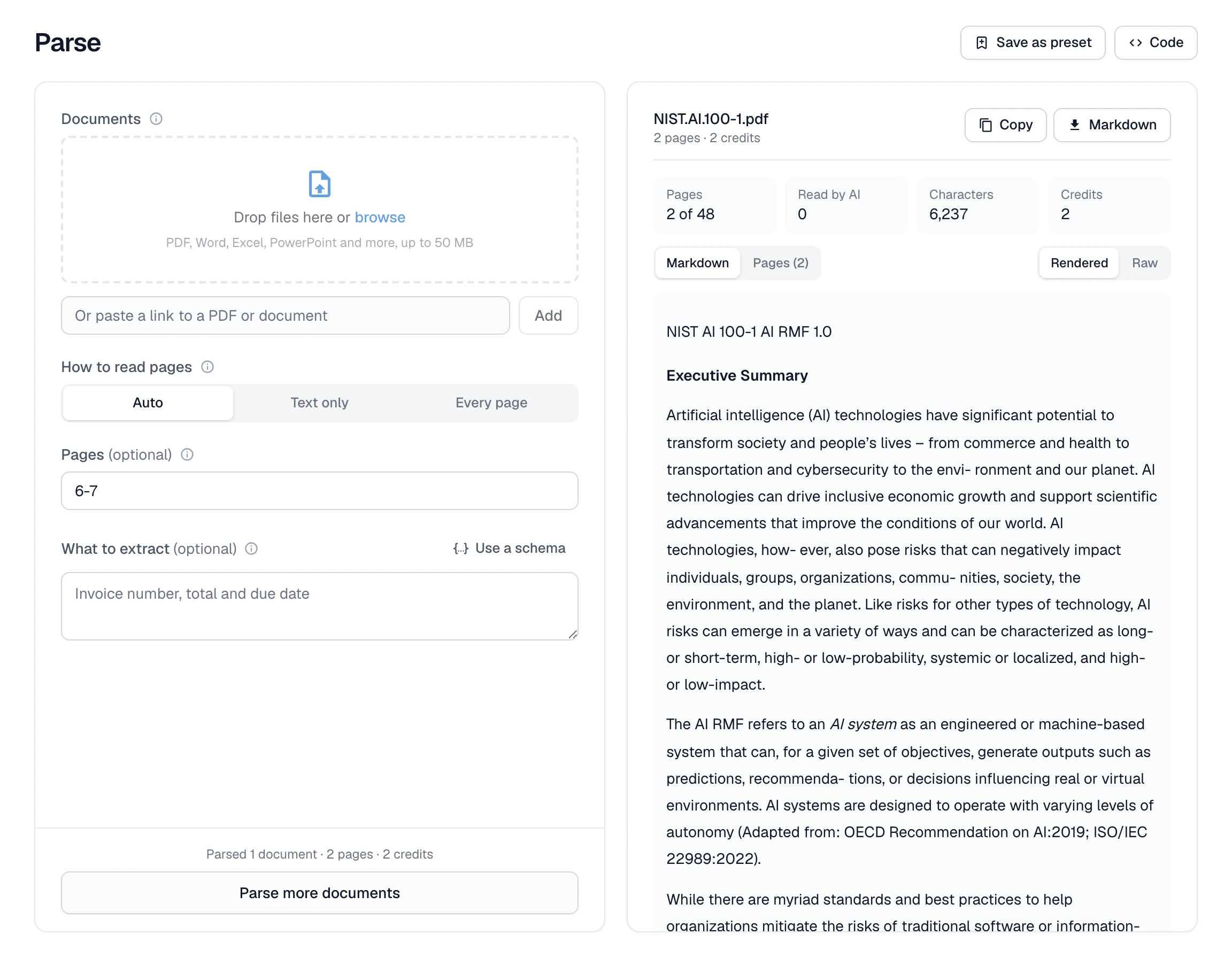
Parse is available through the dashboard, REST API, SDKs, and MCP server. Completed jobs can also be reviewed in your logs.
Read the Parse documentation or try Parse in Spidra.